 John Patterson
Budulai: a private AI assistant I built on my own.
I wanted an AI assistant that could actually do things, like research a question or work on my Mac, without sending my life to a big AI company. So I built one: the iPhone app, the server, and the AI setup it runs on.
What it does
Four things, all in the build now in App Store review.
Ask
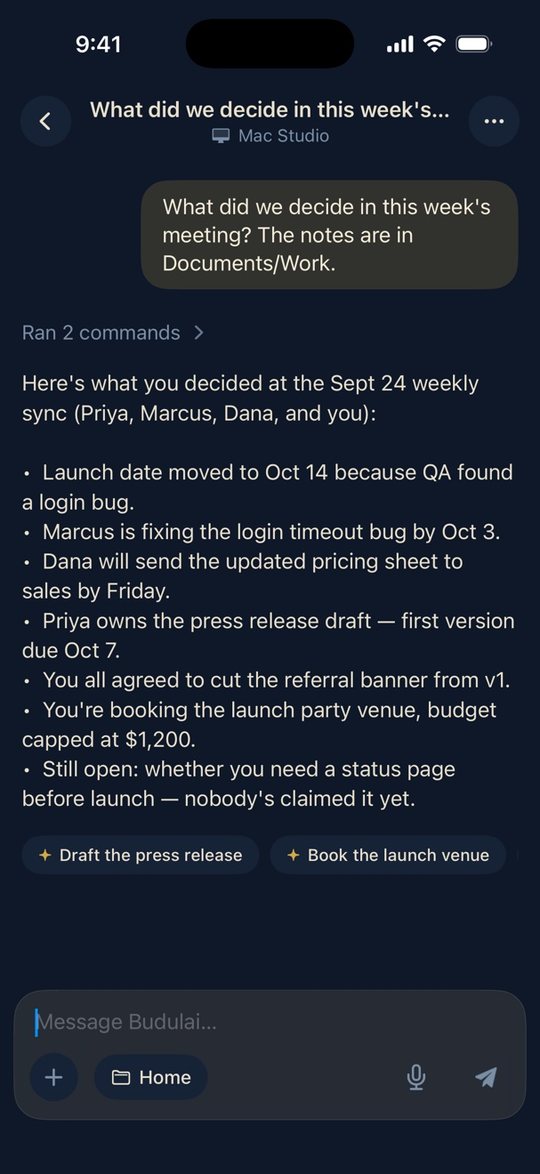
Answers with live, cited sources, and works with calendar, reminders, email, maps and weather on the phone. Anything with consequences asks first.
Deep Research
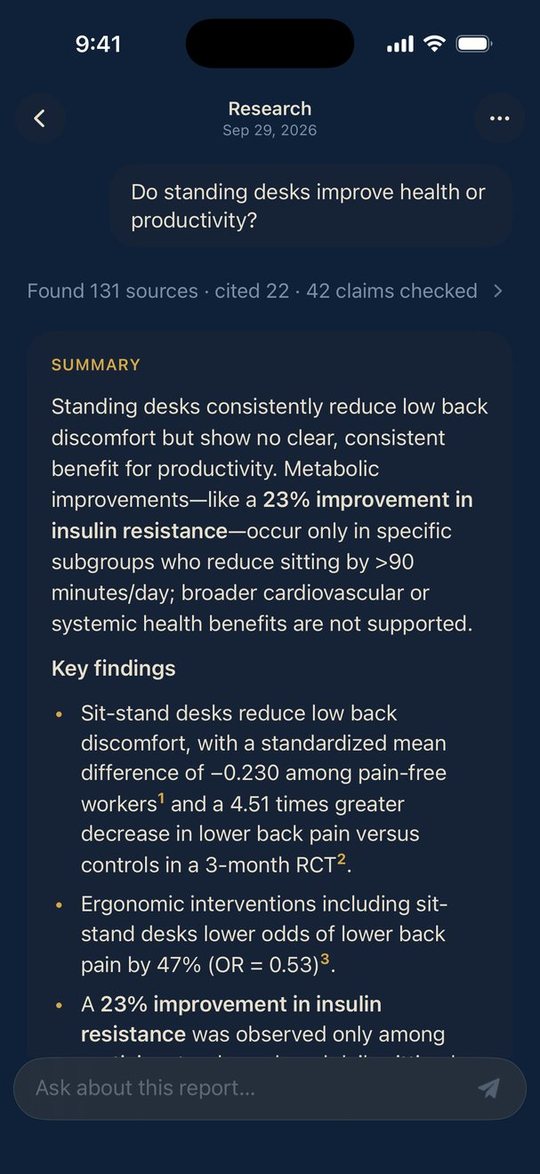
Plans the question, reads dozens of sources, and checks every claim against the source it cites before writing a report.
Flows
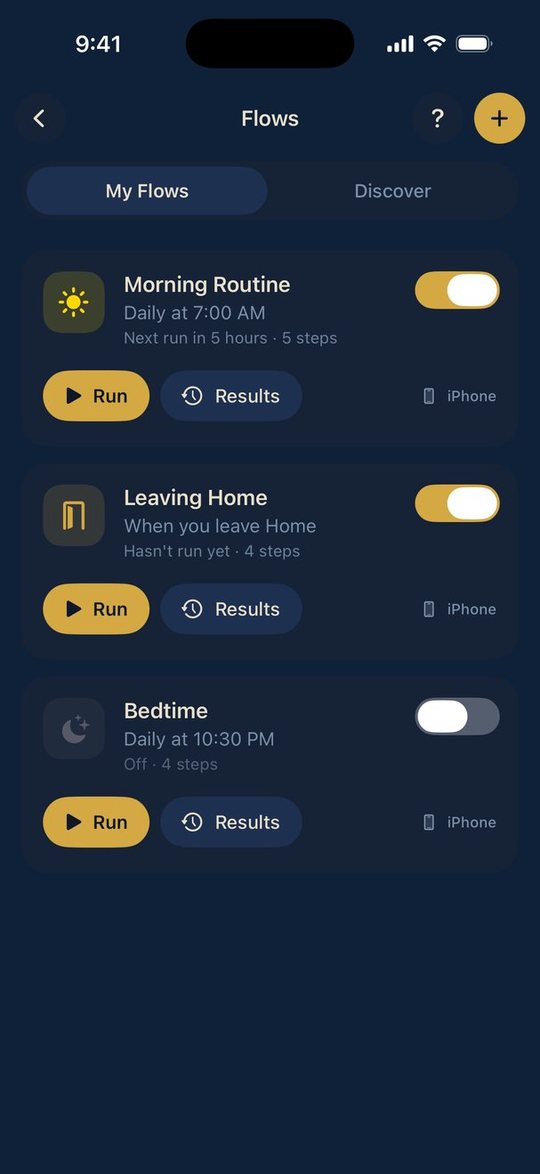
Routines that run on a schedule, when you arrive somewhere, or with one tap.
Work on your Mac
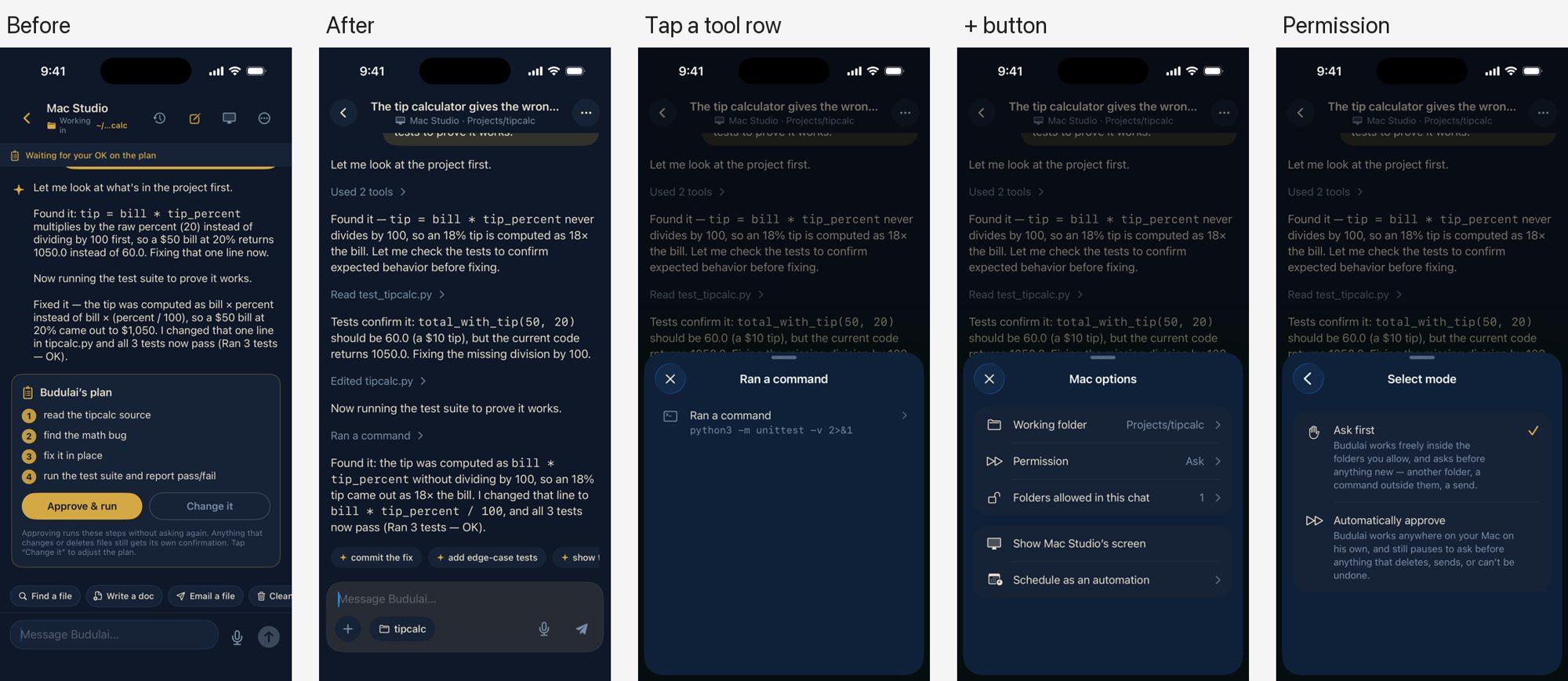
From the phone, Budulai can read, edit and run things on your own Mac. It shows the plan, and nothing runs until you approve it.
How it works
Chat runs on an open AI model on a GPU server I own. When the AI wants to do something on your Mac, it shows its plan and waits for you to approve it.
Decisions I’d explain to another developer
Fewer tools per turn
The AI knows 90 tools but sees at most 15 at a time, so smaller models stay accurate.
No claiming work it didn’t do
If a reply says “done” without having actually run anything, it’s pulled back.
Unknown means no
Every command is allowed, confirmed with you, or blocked. Anything unrecognized is blocked.
Privacy you can check
Pinned connections, signed updates, separated user data, and server data deleted after 30 days.
The writing around it
This is the developer-relations side of the job, done for my own product. Samples are available on request.
Architecture overview
How the app, server, AI models and Mac agent fit together.
Security write-up
What’s protected, how, and what I deliberately don’t collect.
Ops runbook
Starting, checking and recovering the servers, step by step.
Onboarding guide
Getting a new user from install to their first useful result.
New-user course
A 49-slide, roughly 45-minute “start here” course with six modules and a glossary.
Release checklist
What changed in each build, and every step to App Store submission.
Want to hear how it works?
Portland, Oregon. Open to remote work or relocating.